Why Most Phone Stands End Up in a Drawer
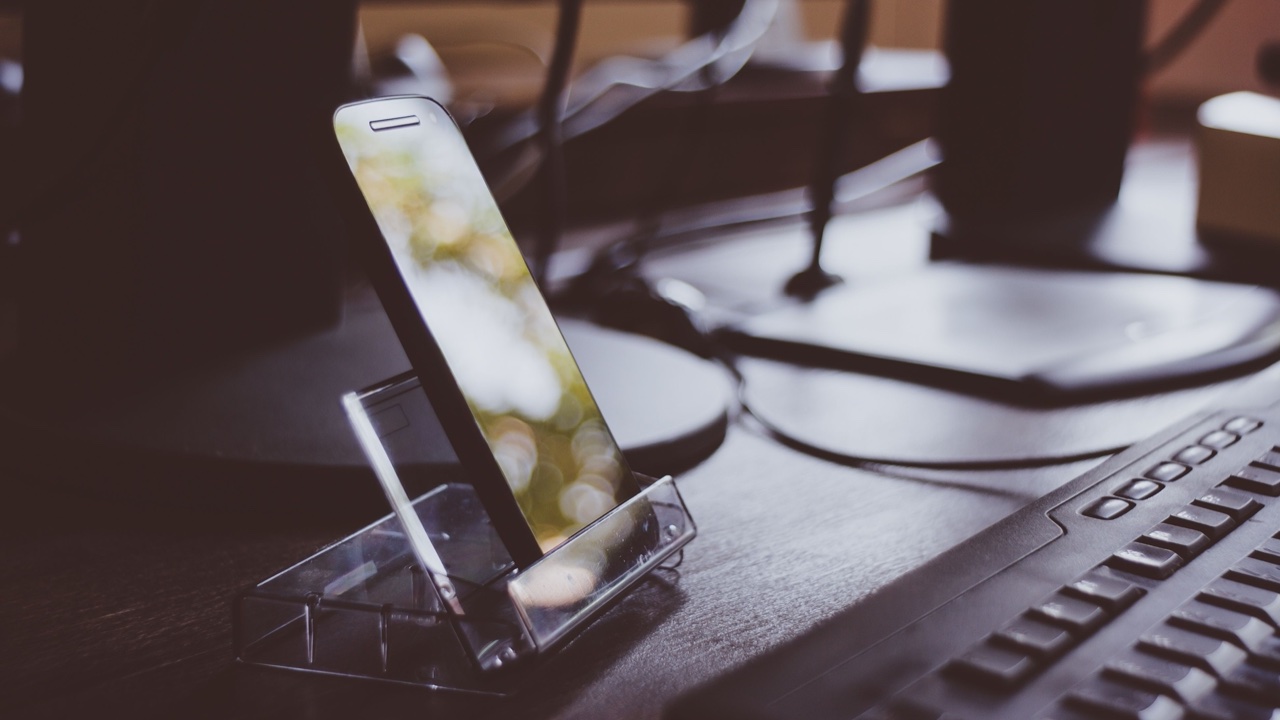
Walk through most home offices and you’ll find the same thing: a phone stand somewhere in the back of a drawer, or shoved behind a monitor, or sitting unused on a shelf while the phone itself sits flat on the desk. The stand was purchased with good intentions. Something didn’t work out. The phone went back to lying flat.
This pattern is common enough that it’s worth examining. Phone stands fail to get used not because people don’t want the phone elevated — they do — but because the stands themselves create friction that adds up faster than the benefit they provide.
The Fixed-Angle Problem
Most basic stands hold the phone at a single angle. That angle is whoever designed it thought was reasonable for video calls, or for watching content, or for glancing at notifications while typing. It’s probably fine for one of those things. It’s usually wrong for the other two.
Video calls work best with the phone closer to eye level, facing you directly. Watching a video lying in bed or on the couch works better with a lower, more reclined angle. Glancing at notifications on a desk works best when the phone faces you at whatever angle your head naturally tilts when you look up from the keyboard.
A stand that can’t adjust to any of these contexts — one that just holds the phone at a fixed position — gets used for whatever it was optimized for and ignored the rest of the time. When the rest of the time is most of your day, the stand goes back in the drawer.
The Charging Friction
The second failure mode is charging. A phone in a stand is a phone that isn’t plugged in, unless you thread a cable through the stand — which most stands don’t accommodate elegantly — or remove the phone to charge it whenever the battery runs low.
Removing the phone to charge it defeats the main purpose of having it elevated and visible. You take it off the stand, plug it in, set it flat on the desk or a nearby surface, and now you’re back to the original problem. After this happens a few times, the stand stops getting used because people don’t want to manage a separate charging step.
Wireless charging solves this at the pad level but not the stand level. A flat charging pad still means a flat phone — better than nothing, but not the elevated, visible position that makes a stand worth having in the first place.
What Actually Gets Used
The phone accessories that consistently stay on desks and counters are the ones that handle multiple needs simultaneously without requiring separate steps. The best coffee grinder is the one that grinds and doses without requiring a separate container switch. The best phone stand is the one that holds the phone at a useful angle and charges it at the same time, without any cable management or additional steps.
A magsafe phone stand with swivel capability solves both problems that cause basic stands to fail. The MagSafe integration means the phone charges continuously the moment it clicks into the stand — no cables, no threading, no removing the phone at the end of the day to plug it in separately. The swivel means the angle can be adjusted in seconds to face whatever direction the current use case requires, whether that’s a video call straight ahead, a video tilted back slightly, or a quick glance rotated toward you from the side of the desk.
The swivel function sounds minor until you’ve tried to use a fixed stand for a video call that’s coming through on your laptop positioned at a different angle than the stand faces. Rotating the stand to face a different direction — and having it stay there while still maintaining the MagSafe connection — is one of those features that reads as optional until you’ve used it, at which point it reads as obvious.
The Friction Accounting
When people evaluate phone stands, they usually compare purchase price to the vague benefit of having the phone elevated. This misses how friction compounds. A stand that requires you to manage charging separately adds a few seconds of friction every time you sit down and every time you get up, plus the cognitive overhead of monitoring battery level because the phone isn’t passively charging while it sits there.
A stand you have to reorient physically every time you use it for a different purpose — typing, then a call, then back to typing — adds a small interruption each time. Small interruptions aren’t costly in isolation. They’re costly because each one breaks focus slightly and makes the stand feel like more effort than it’s worth.
The stands that stay out of drawers are the ones where picking up the phone and putting it down are zero-thought actions. The phone connects magnetically when you place it. The orientation can be adjusted without detaching or reconnecting anything. These aren’t luxuries — they’re the baseline requirements for a stand that actually gets used rather than avoided.
The Drawer Test
Before buying another phone stand, it’s worth asking why the last one stopped being used. If the answer involves charging — having to remove the phone, or cables getting in the way — a MagSafe stand eliminates that problem entirely. If the answer involves the angle being wrong, or the stand facing the wrong direction depending on what you’re doing, a swivel addresses that.
If the answer is both, which it usually is, the solution is a stand designed around how people actually use phones across a full day — not a stand designed around one idealized use case and left to the user to figure out the rest.
Most phone stands end up in drawers because they were designed as a product category rather than a solution to actual friction. The test isn’t how the stand performs in the best case. It’s whether it still gets used six months later.